
Video Conferencing & Room Systems: Meeting Rooms Built for Hybrid Work
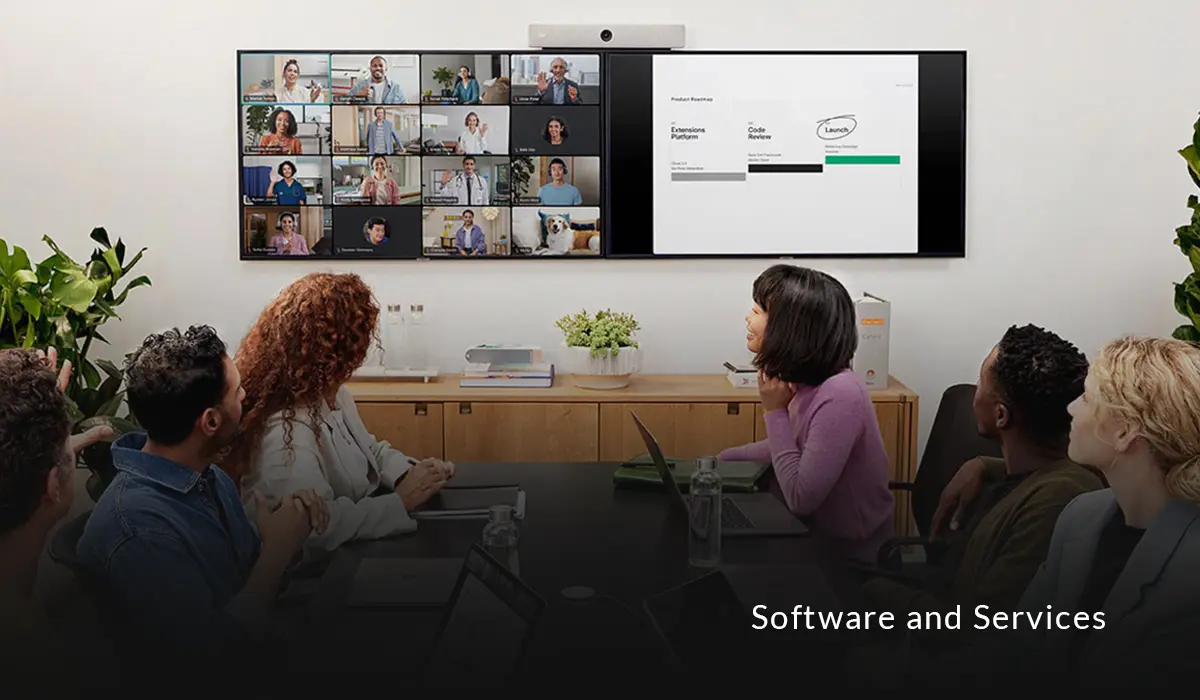
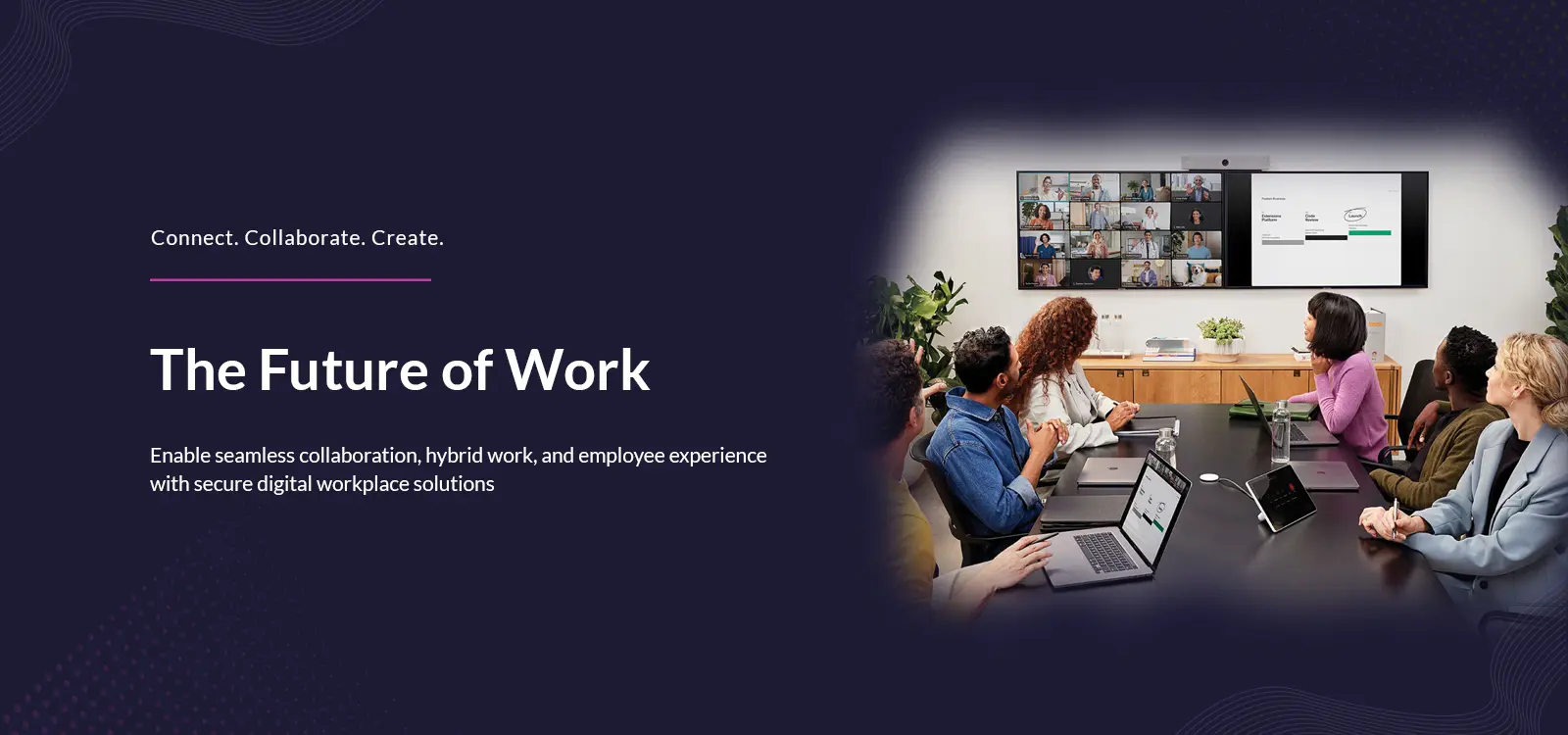
A video conferencing room system is the set of hardware that equips a meeting room or conference room for video calls: a camera, a codec or compute device, one or more displays, microphones and speakers, and a touch controller to run the meeting. Modern room systems join a Webex or Microsoft Teams meeting with a single touch, use AI cameras to frame and follow whoever is speaking, and are managed centrally as a fleet. Cisco room devices, the Room Bar range, Board Pro and Desk series, together with Crestron Flex, are the platforms Proactive leads with.
Hybrid work has made the meeting room more important, not less, and also harder to get right. When half the participants are remote, a room with a poor camera, muddy audio or a confusing join process quietly damages every meeting held in it: remote people cannot hear, in-room people dominate, and time is lost to technology. A well-designed room system removes that friction, one touch to join, clear audio for everyone, a camera that shows who is talking, so the meeting is about the meeting. Getting there is a design and integration job, not simply buying a device.
What a Video Conferencing Room System Includes
- A complete room system is built from a few standard parts:
- Camera: an AI camera that frames the room and tracks the speaker.
- Compute and codec: the device that runs the meeting and drives the room.
- Displays: one or more screens for participants and shared content.
- Audio: microphones and speakers matched to the room size and shape.
- Touch controller: a panel to start, join and control the meeting, such as the Cisco Room Navigator.
- Management: central monitoring and fleet management across every room.
Why Invest in Room Systems Now?
- Hybrid meetings are routine: in-room and remote participants, together, in most meetings.
- Bad rooms cost time: poor audio and video quietly waste every meeting held in them.
- One-touch join: standardised rooms remove the fumbling that delays every meeting.
- Equity for remote staff: AI cameras and good audio give remote people a fair seat.
- Platform choice: rooms can run Webex or Microsoft Teams Rooms, to match your standard.
- Manageable at scale: a standard design across sites is monitored and fixed centrally.
The difference between a room that helps and a room that hurts is rarely the screen; it is the audio, the camera and the join experience. A room where the far end cannot follow the conversation, or where starting the meeting takes five minutes and a cable hunt, trains people to avoid it, and the investment is wasted. Room systems earn their keep by making the technology disappear: you walk in, press once, and everyone can see and hear. Achieving that consistently, across many rooms and sizes, is what separates a room that works from an expensive mistake.
The second decision is the platform. Some organisations standardise on Webex, some on Microsoft Teams, and many run both, and the room has to fit that choice rather than force a different one. Cisco's room devices are certified for Microsoft Teams Rooms as well as Webex, and can be provisioned to run either natively, while Crestron Flex systems run Microsoft Teams Rooms and Zoom. Choosing the right platform and device for each room is part of the design.
Proactive designs, installs and manages video conferencing rooms end to end. We size each room, select the Cisco or Crestron system that fits, integrate the camera, audio, displays and control, and set it to the right platform, Webex on Cisco devices, Microsoft Teams Rooms on Cisco or Crestron, then standardise the experience across sites and monitor the fleet so problems are caught early. As a Cisco Preferred Collaboration Partner and AV integrator, we deliver rooms that keep working, not just on the day they are installed.
Which Room System for Which Space
The right room system depends on the size and use of the space. The table below maps common spaces to a suitable system.
| Space | Typical size | Suitable system |
|---|---|---|
| Focus / personal room | 1 person | Cisco Desk or Desk Mini |
| Huddle room | 2 to 4 | Cisco Room Bar, or a Cisco Desk in a tiny space |
| Small meeting room | 4 to 6 | Cisco Room Bar |
| Medium meeting room | 6 to 12 | Cisco Room Bar Pro, single or dual screen |
| Boardroom / large room | 12-plus | Cisco Room Bar Pro or a codec-based system with integrated audio |
These are starting points, not rules; the right choice also depends on room shape, acoustics and how the space is used. Proactive surveys each room before recommending a system.
Webex Rooms vs Microsoft Teams Rooms: Choosing How Each Room Runs
The same room hardware can be deployed in different ways depending on your platform. The table below sets out the options.
| Deployment mode | How it works | Best for |
|---|---|---|
| Webex native | Device runs Webex, one-touch join | Webex-standard organisations |
| Microsoft Teams Rooms | Certified device runs MTR natively | Teams-standard organisations |
| Dual or interop | Runs one platform, joins the others | Mixed environments |
| BYOD / USB | Plug a laptop into the room AV | Simple or occasional-use rooms |
Most enterprises use a mix, native rooms for their main platform and interop or BYOD for shared and visitor spaces. Proactive sets each room to the mode that suits how it is used.
Video Rooms Across India: Where GCCs and Global Teams Meet
For Indian enterprises, and especially the Global Capability Centers that anchor so much collaboration with global teams, the meeting room is where distributed work actually happens, and the bar has risen: a GCC in Bengaluru or Hyderabad running meetings with headquarters abroad cannot afford rooms where remote participants cannot hear. Consistent, well-designed video rooms have become table stakes for hybrid and global working.
How many rooms of which type, which platform per room, and how to standardise across multiple cities and offices, shape the right design here rather than on a datasheet. Proactive has designed and delivered meeting rooms across manufacturing, BFSI, healthcare, IT and ITeS and GCC customers in Delhi, Mumbai, Bengaluru, Pune and Hyderabad, standardising the experience so a room in one city behaves exactly like a room in another.
Proactive Data Systems: The Integrator That Makes Every Room Work
Buying a room kit is easy. Designing a room where remote people can hear, integrating the camera, audio, displays and control, matching it to Webex or Microsoft Teams, and keeping a fleet of rooms working across sites is the part that rewards an integrator.
Proactive brings over three decades of enterprise delivery, certified Cisco collaboration and AV engineers and an ISO 9001:2015 quality system. As a Cisco Preferred Collaboration Partner certified across all five Cisco architectures, Collaboration, Networking, Security, Cloud and AI, and Services, we design, install and manage video conferencing rooms on Webex and Microsoft Teams Rooms, using Cisco and Crestron systems.
Video conferencing rooms are where the collaboration software meets the physical space. They run the Unified Communications platform, Webex or Microsoft Teams, in the room; they are complemented by the personal devices under Endpoint and Remote Work Devices for people joining from a desk; and for larger or more complex spaces, auditoriums, town-hall rooms, video walls and custom audio, the broader build sits under Meeting Room AV and Integration. This card is the turnkey video meeting room; that one is the bespoke AV project.
From room survey and design through installation, platform configuration, standardisation and managed monitoring, Proactive makes every meeting room a place where hybrid meetings run on time.