Updated: 26 June 2026
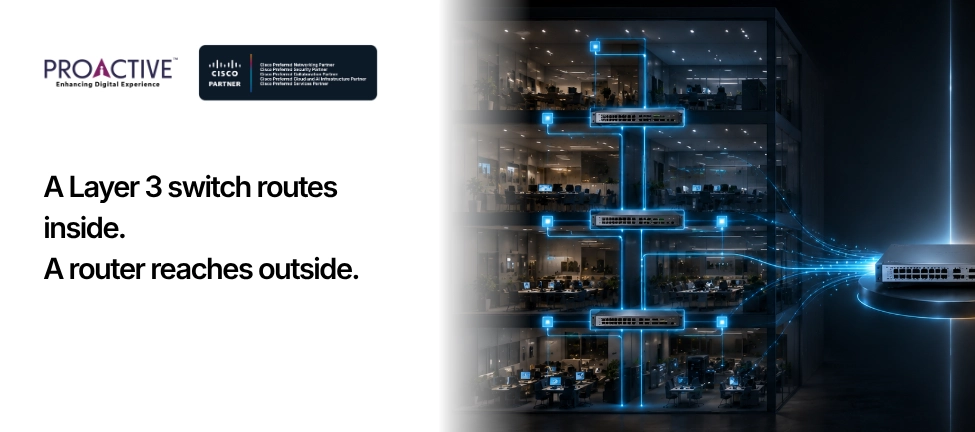
A Layer 3 switch can route traffic, so a fair question follows: if it routes, do you still need a router? For a small office weighing what to buy, the answer decides whether you need one box or two.
The short version is that a Layer 3 switch and a router both move traffic between networks, but they are built for different jobs. One is made for the inside of your office; the other is made for the connection to the world outside it. Here is where each fits, and when a switch genuinely can stand in for a router.
A Layer 3 switch is a network switch that can also route between your internal networks, your VLANs, quickly and in hardware. A router connects different networks to each other, and above all, connects your office to the internet or a wide-area link. The switch is an inside-the-building device; the router is the doorway to the outside.
The clearest way to see it is side by side:
| Layer 3 Switch | Router | |
|---|---|---|
| Built for | The internal LAN and its VLANs | Connecting networks; the internet or WAN edge |
| Main job | Fast routing between internal subnets | Getting the office onto the internet, securely |
| Interfaces | Ethernet only (copper and fibre), many ports | WAN links (broadband, fibre, cellular, leased line) plus Ethernet |
| NAT | No, or limited | Yes |
| VPN and firewall | Little or none | Yes |
| Forwarding | Hardware ASIC, very fast | Feature-rich, built for WAN |
| Port density | High | Low |
Inside your network, yes. At the edge of it, no. A Layer 3 switch can replace a router for routing between your internal VLANs and subnets, and it does that job faster and with more ports than a router would. If your only "routing" need is moving traffic between, say, a sales VLAN and a finance VLAN, the switch handles it.
What a Layer 3 switch cannot do is be your connection to the internet. It generally lacks the WAN interfaces, the NAT that lets many internal devices share one public address, and the VPN and firewall features that a safe internet connection needs. So for the link to the outside world, you still need a router, and in practice a firewall. The usual answer is not switch or router, but both, each doing the part it is built for.
It routes inside the building, fast. A Layer 3 switch forwards traffic between your internal networks in hardware, at the speed of the LAN, while giving you many ports to plug devices into. For an office with several VLANs, voice, data, guests, cameras, it routes between them far more efficiently than sending all that traffic to a router and back.
So if your network has grown into multiple VLANs and the traffic between them feels slow, a Layer 3 switch is the right tool. It is also typically cheaper per port than a router and built for the port counts an office needs.
Everything to do with the outside world. The router, or a firewall doing the router's job, is what connects your office to the internet or to other sites. It provides NAT so your internal devices share a public address, the firewall rules that keep the internet out, VPN for remote staff or branch links, and the WAN connections, broadband, fibre, cellular, that a switch has no ports for.
These are not optional extras; they are the difference between a network that is connected and one that is exposed. A Layer 3 switch with no firewall in front of it is not a safe way to reach the internet. The edge device is where your security lives.
Only if it has multiple VLANs to route between. A very small, flat network, one subnet, a handful of devices, does not need a Layer 3 switch at all; a firewall or router for the internet plus ordinary Layer 2 switches for the ports is enough. The router can handle the small amount of internal routing such a network needs.
You move to a Layer 3 switch when the office grows: several VLANs, more devices, and enough internal traffic that routing it through the edge router becomes a bottleneck. At that point, the Layer 3 switch takes over internal routing, and the router or firewall is left to do what it is best at, the internet edge. Which describes your office, one flat network, or several segments that need to talk to each other quickly?
For most growing offices, the answer is a simple pair. A firewall or router at the edge handles the internet connection, NAT, VPN and security. A Layer 3 switch behind it handles the internal VLANs and routes between them at speed. Layer 2 switches extend the ports where you need more. Each device does its own job, and the network is both fast inside and safe at the border.
If you are sizing this for your business and unsure where the line falls, that is a sensible thing to get right once rather than rebuild later. Proactive Data Systems, a Cisco Preferred Networking Partner with 35 years of experience and more than 1,500 customers, designs right-sized networks for organisations of every size, and will tell you honestly whether you need a Layer 3 switch, a router and firewall, or both. Ask us to size it for your office.

Pulkit Singh AGM, Enterprise Networking, Proactive Data Systems
We'll get back to you shortly.